
1. Website security
Ensure your website uses HTTPS instead of HTTP. Search engines prioritise secure websites in rankings, and browsers now flag HTTP sites as "not secure" — damaging both trust and traffic. Get an SSL certificate through your hosting provider, most offer it for free.

2. SiteMap (.xml + html)
A sitemap helps Google understand the structure of your website and index it correctly. You need two versions: an XML sitemap for search engines (auto-generated by most CMS plugins) and an HTML sitemap page for visitors. Link your HTML sitemap in the footer so both users and crawlers can find it easily.
>
3. Robots.txt
The robots.txt file tells search engine crawlers which pages to index and which to ignore. Place it at the root of your hosting and use it to exclude admin pages, duplicate content, or staging areas from Google's index. An incorrectly configured robots.txt can accidentally block your entire site from Google.
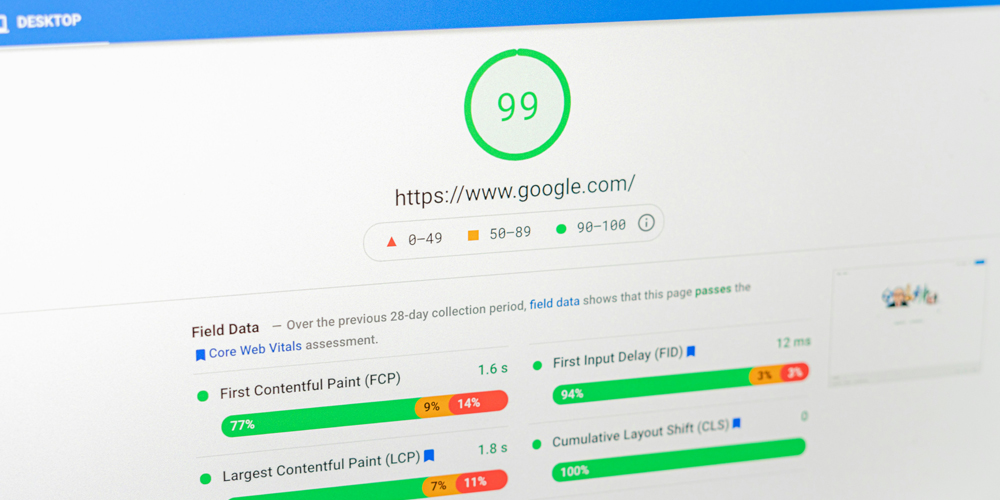
4. Page Speed Insight
Google's free Page Speed Insight tool scores your website on mobile and desktop performance. Slow loading times hurt both user experience and Google rankings — aim for a score above 80. Quick wins include compressing images, enabling browser caching, and minifying CSS and JavaScript files.
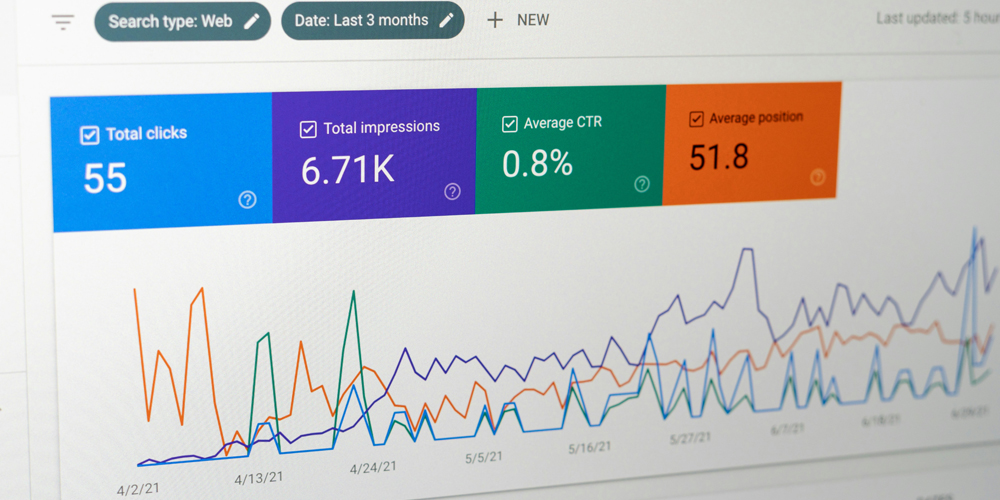
5. GA & Search Console
Google Analytics 4 and Search Console are essential free tools for monitoring your website's performance. GA4 tracks visitor behaviour, traffic sources and conversions, while Search Console shows your rankings, crawl errors, and indexation status. Connect both tools to your domain and submit your XML sitemap directly in Search Console.

6. Keywords Research
Keyword research identifies the exact terms your audience types into Google — and where your opportunities lie. Use tools like Ahrefs or SEMRush to find relevant keywords with good volume and manageable competition. Place your target keywords strategically in your page title, H1, H2 headings, meta description, and body content.

7. Valuable content
Google's algorithm prioritises content that genuinely answers user questions with depth and clarity. Write long-form articles covering your topic thoroughly, naturally integrating keywords without stuffing. If you use WordPress, the Yoast SEO plugin provides real-time guidance to optimise each page before publishing.

8. Duplicate Content
Never copy-paste content from other websites — Google penalises duplicate content by lowering or removing rankings entirely. This is known as Black Hat SEO. Also audit your own site regularly for ghost pages: outdated articles still indexed by Google that lead to blank or thin pages, which increase bounce rate and damage your overall domain authority.
🛠️ Tools & Plugins
A mix of tools I use regularly to audit and improve websites. This is not an exhaustive list.
Firefox extension that checks HTML & CSS against W3C standards and flags errors with fix recommendations.
Built-in browser tool to inspect source code, debug layout issues, and test CSS changes in real time.
Web crawler that audits your full site for SEO issues — broken links, missing titles, H1s, meta tags and more.
Scans your website for duplicate content, broken links, and pages that could be harming your Google rankings.
Chrome extension that instantly highlights all broken links on a page — useful for link building outreach too.
Google's free tool to measure website performance on mobile and desktop, with actionable improvement suggestions.
I write, shoot, and tell stories that connect
From SEO-optimized blog posts to social media campaigns in English and French, I create content that drives engagement and results.